
Home/Preschools/Incident records
Every incident has one record with the clip and its review history.
A person confirms or dismisses each alert before it becomes a record. Havenwatch AI keeps the clip, the review history and each export in one place, found by a plain-language search.
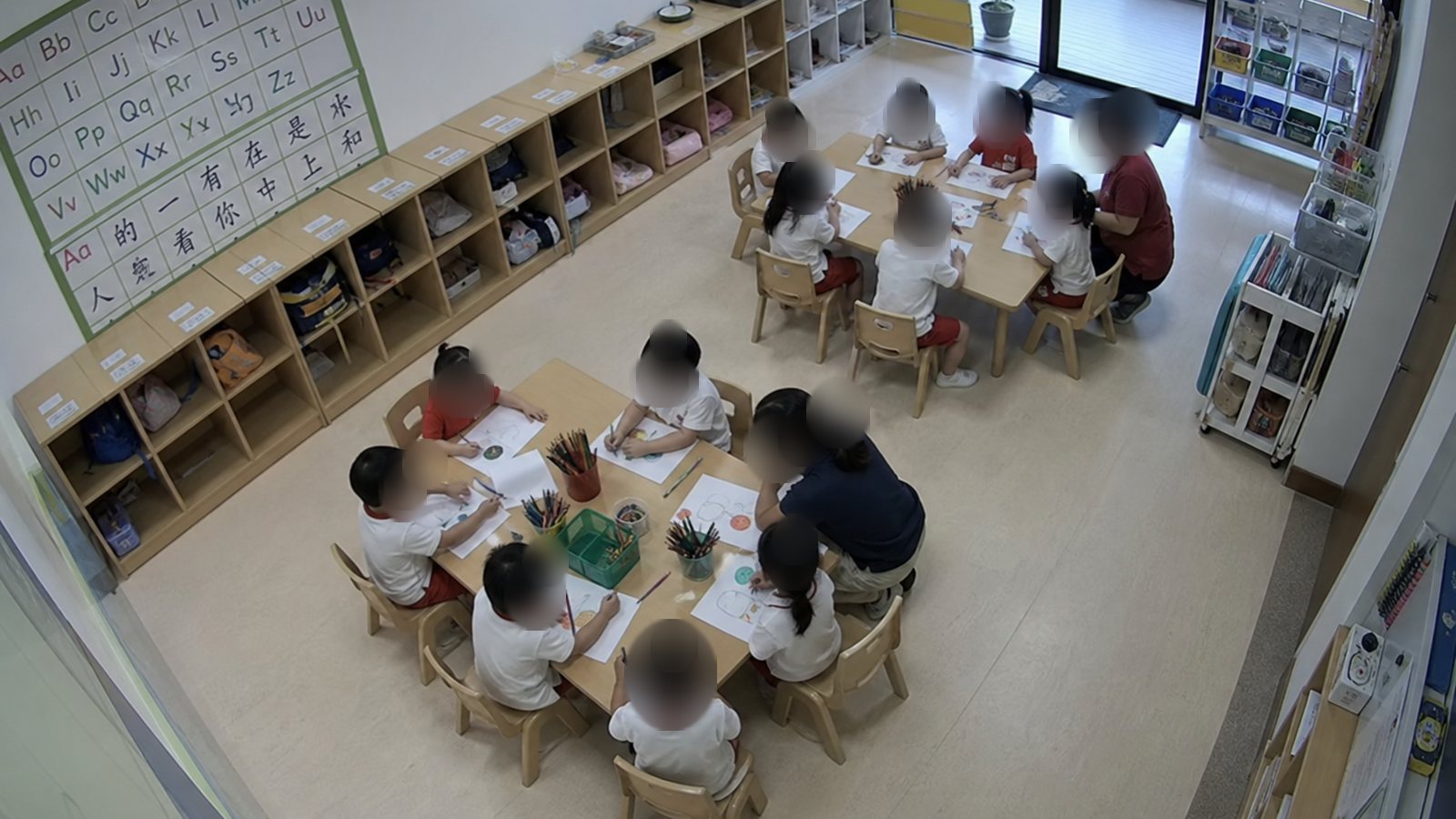
- Camera saw
- Side door open, a child beside it
- Clip
- 45 s, faces blurred
- Reviewed by
- Centre principal
- Decision
- Confirmed as a record
A person confirms or dismisses each alert first
Havenwatch reports what the camera saw. The system does not judge intent or fault, and nothing becomes a record until a named person confirms it.
Alert raised
The camera saw a door open with a child beside it, and the room was told.
Clip watched
The principal watches the clip with the moments before and after.
Confirmed or dismissed
A confirmed alert becomes an incident record, and a dismissed alert is closed with a reason.
History kept
The record lists each person who viewed, edited or approved it, with the time.
Evidence export with expiry, watermark and audit log
An export is a link to the clip and the record. It carries the recipient's name as a watermark and stops working on the date the centre sets.
Related: Parent footage requests, Blurred alert snapshots, Sample reports.
Plain-language incident search
Staff type what they are looking for in ordinary words. Havenwatch returns the matching incidents with the room, the time and the clip.
gate left open during pick-up last week
- 12 NovGate B open 1:10 at 17:42, shut by a staff member, clip attached
- 10 NovMain gate open 0:48 at 17:55, shut by an educator, clip attached
- 9 NovGate B open 0:35 at 18:05, shut by a staff member, clip attached
Questions about incident records
What is in a structured incident record?
Each record holds what the camera saw, the room, the times, the clip and who was told. It also holds the review history and the note the principal adds.
Who decides that an alert is an incident?
A named person decides, usually the principal. An alert becomes a record only when that person confirms it, and Havenwatch does not judge intent or fault.
How does an evidence export expire?
The centre sets an expiry date on each export link. After that date the link stops working, and the audit log shows who opened it before then.
What can staff search for?
Staff can search by what happened, where and when, in plain words. A search for a gate left open last week returns each matching incident with its clip.
Keep incident records in one centre for four weeks.
The pilot counts the minutes from alert to approved record and the time taken to find a clip.