
Home/Preschools/Staff phone use
Personal phones stay out of the rooms where children are.
Havenwatch AI flags staff personal phone use in children's areas and shows a reminder on the room tablet. The weekly report counts phone use by room and time of day, never by staff member.
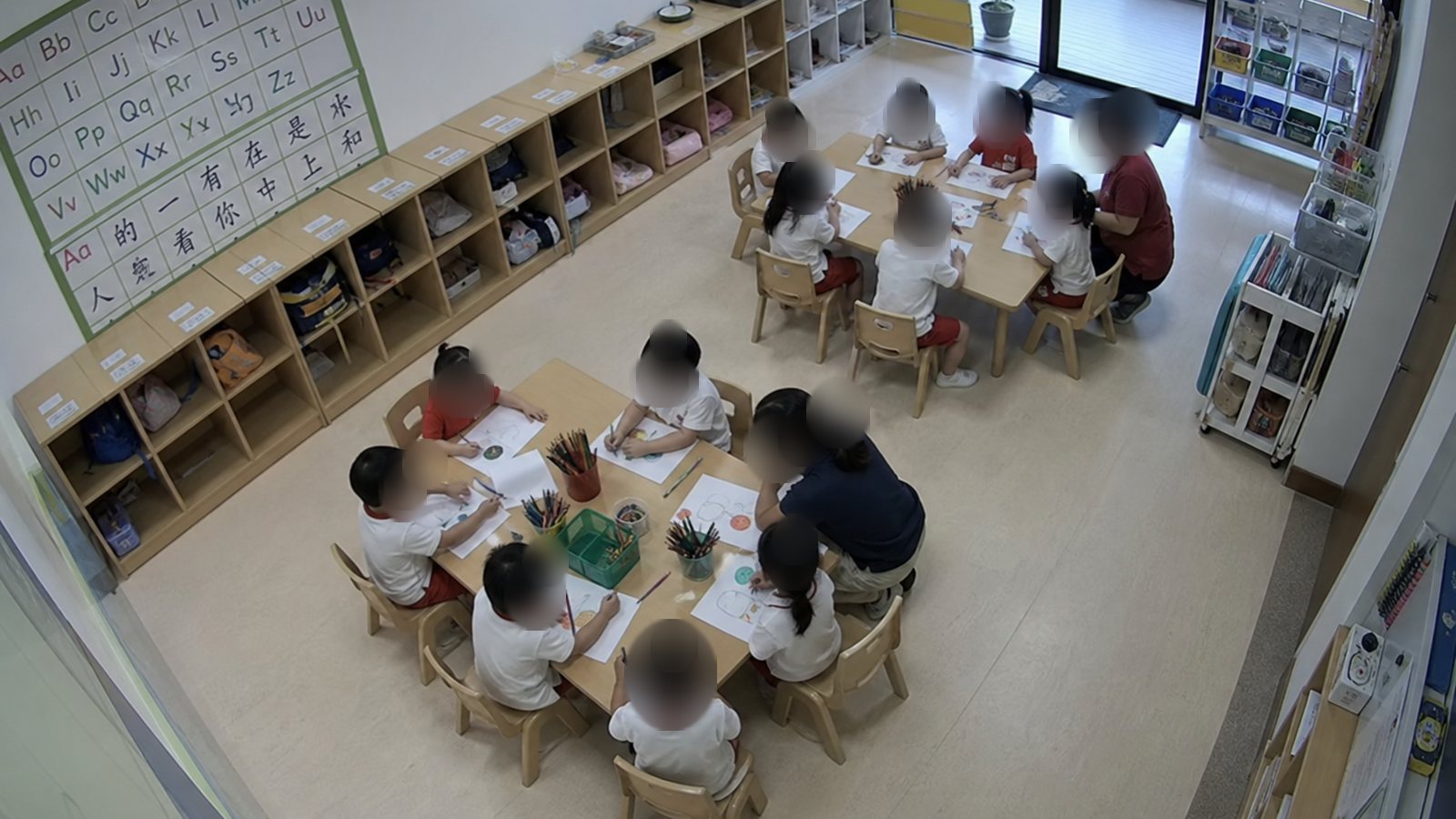 EducatorEducator
A personal phone in use in K1 for 2 minutes
The reminder appears on the room tablet. It names the room and carries no name and no face.
EducatorEducator- 14:20Reminder shown on the room tablet
- 14:20Phone put away, seen on camera
How the phone rule is set
Children's areas marked
The centre marks the classrooms, activity rooms and play areas where personal phones stay away.
Centre devices allowed
The room tablet and centre phones used for attendance and parent updates raise no flag.
A time limit
A phone held for longer than the centre sets, such as 2 minutes, raises the reminder.
Staff areas left alone
Staff rest areas have no cameras, so breaks stay private.
What happens after a flag
The first step is a reminder in the room. The principal sees counts by room, never by staff member.
Related: Weekly supervision report, Unattended child alert, Blurred alert snapshots.
Reminder in the room
The room tablet shows a short reminder, with no name and no face.
Closed on camera
The flag closes when the camera sees the phone put away.
Counted by room
Flags are counted by room and time of day in the weekly supervision report.
Reviewed by the principal
A room with repeated flags is raised at the team meeting as a routine to fix.
What educators are told before go-live
ECDA asks centres to engage staff before CCTV is used beyond its own purposes. Havenwatch is such a use, so educators hear how it works first.
Source: ECDA, What should preschools do if staff have concerns over their privacy?
- Each educator gets a staff notice and a briefing in the walk-through week.
- Educators are engaged before go-live, in line with ECDA guidance.
- Alerts are about rooms, gates and children.
- A flag goes to one reviewer, and a real concern follows the centre's safeguarding process.
- Havenwatch produces no appraisal or performance data on individual staff.
Questions about staff phone use
Why flag personal phone use in childcare rooms?
An adult looking at a phone can miss what a child is doing. The flag helps each room keep to the centre's own phone policy.
Does the flag name the staff member?
The flag names the room and the time, and every face in the snapshot is blurred. Havenwatch produces no appraisal or performance data on individual staff.
Can it tell a personal phone from the centre tablet?
The centre marks where its own tablets and phones are used, such as the attendance point and the room stand. A device used there raises no flag.
Who sees the phone-use count?
The principal sees the count by room and time of day in the weekly supervision report. The count is used to adjust routines and cover.
Try phone reminders in one centre for four weeks.
The pilot counts reminders by room and time of day, and how quickly each one closed.